

The fastest way to lose trust in monitoring is alert noise.
The second fastest way is missing a real outage because people stopped reacting.
Good uptime monitoring balances both by separating detection, confirmation, and recovery states.
The practical monitoring flow
Step 1: Detect
Run your primary uptime check on a fixed schedule.
When a failure is detected, do not page on one data point.
Step 2: Confirm
Run one or more confirmation checks shortly after detection.
Goal: reduce transient false positives (network blips, regional routing issues, edge hiccups).
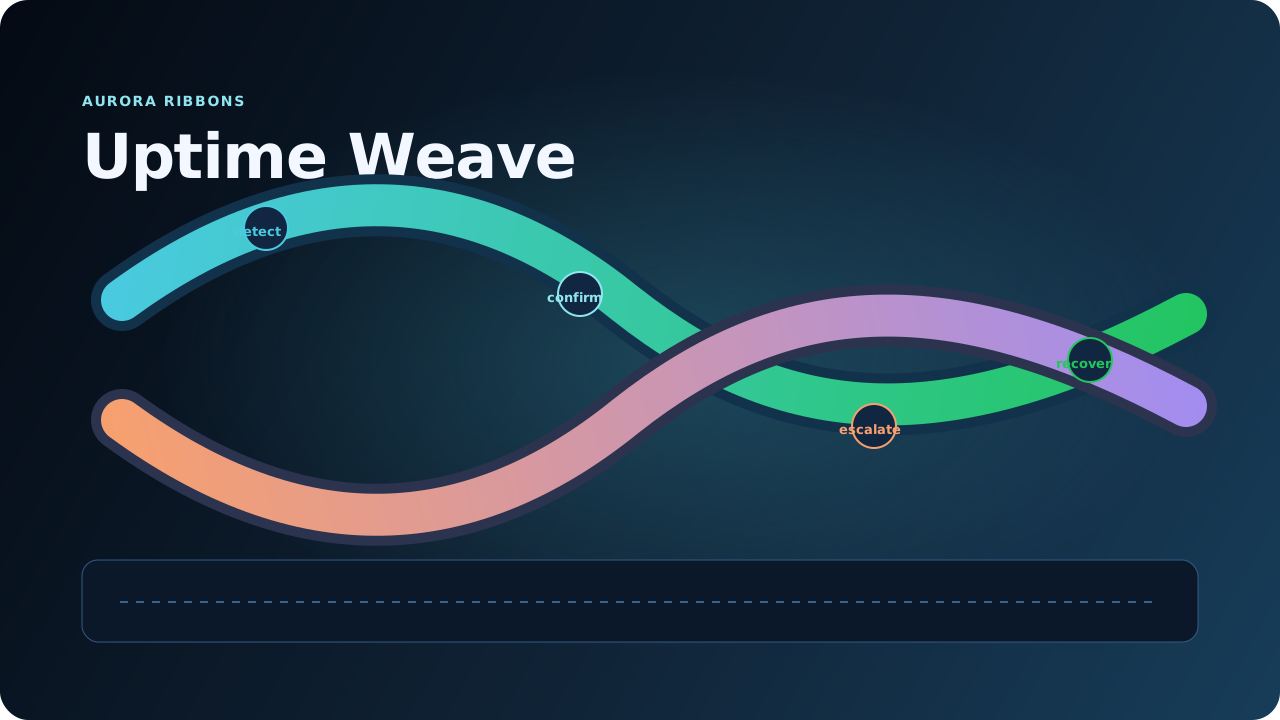
Step 3: Escalate
If confirmation still fails, trigger incident alerts with clear context:
- impacted domain/service,
- first failure timestamp,
- current status,
- last known healthy check.
Step 4: Recover
When service is healthy again, send a recovery notification and close the incident state.
What to optimize for
- Fast confirmation, not instant panic
- Alert quality over alert volume
- Explicit down and back-online lifecycle
- Repeatable runbooks for responders
Common design mistakes
- Sending down alerts on a single failed probe
- No recovery notification (teams never know if the incident is closed)
- Mixing maintenance windows with real incident alerts
- No ownership of alert thresholds and escalation paths
A simple policy template
- Primary uptime check: fixed schedule
- Confirm failures: at least one retry/check cycle before user-facing alert
- Recovery notice: automatic on first confirmed healthy state after downtime
- Maintenance mode: suppress incident alerts while maintenance is active
Owner checklist
- [ ] Uptime policy defines detection, confirmation, escalation, and recovery states.
- [ ] Alert channels include both down and recovery notifications.
- [ ] Maintenance windows suppress noisy alerts by design.
- [ ] Quarterly review validates thresholds, contact routing, and on-call ownership.
Where Scavo helps
Scavo combines scheduled uptime checks with confirmation/recovery handling so teams can reduce noise without sacrificing incident visibility.
Use this to keep alert trust high as your traffic and customer footprint grow.
Sources
What to do next in Scavo
- Run a fresh scan on your main domain.
- Open the matching help guide in
/help, assign an owner, and ship the smallest safe fix. - Re-scan after deployment and confirm the trend is moving in the right direction.


